
Window Cleaning Quote & Profit
AvailableQuote window cleaning jobs, protect your margin, and see what each job earned.

Quote detailing jobs from your own price board, photograph the car at intake, time the work and see what each package earned per hour.
Free to install · Android · optional one-time Premium purchase, no subscription
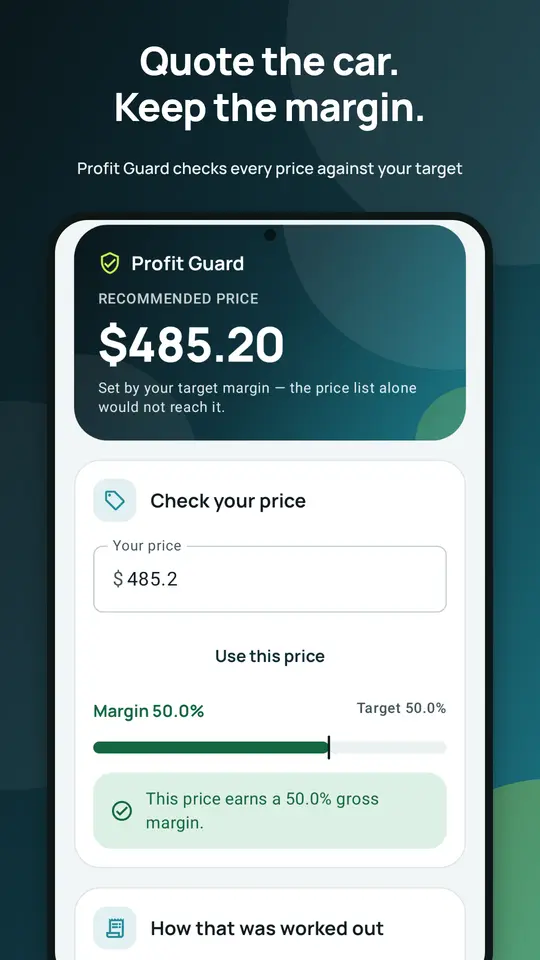
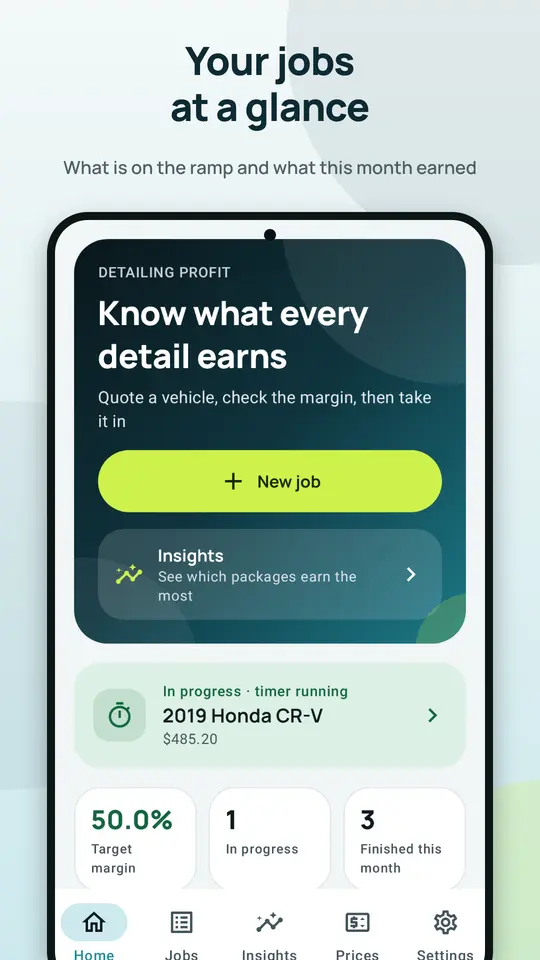
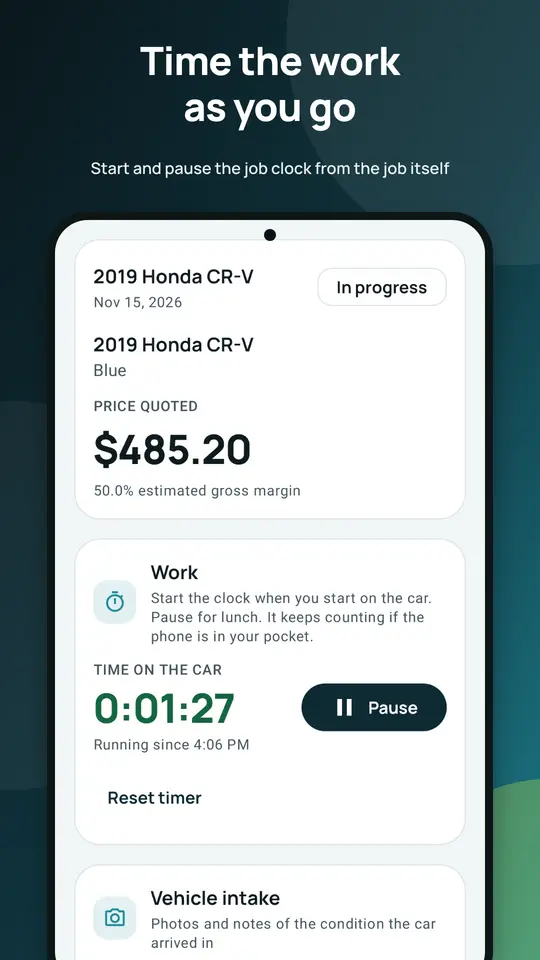
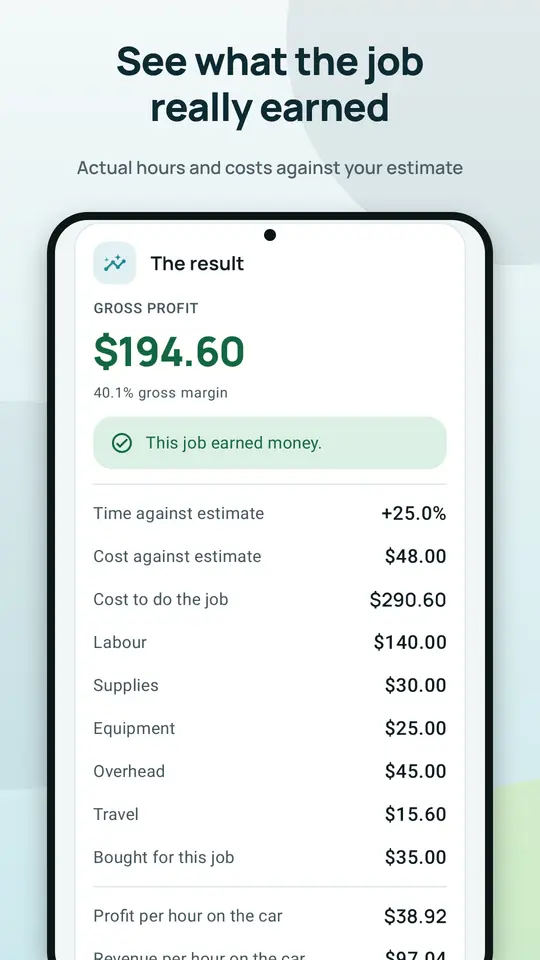
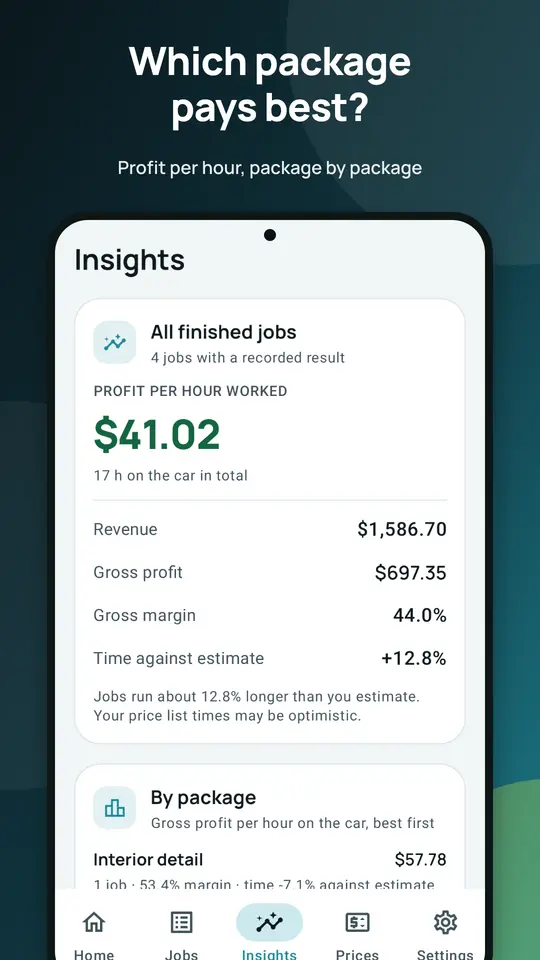
Detailing Job & Profit is an Android tool for the one-person or small auto detailing business. It prices a job from your own packages, add-ons and condition uplifts for the size of vehicle in front of you, works out what the job costs you to run, and shows the price that protects your target gross margin. When the car arrives you photograph its condition and note existing damage; while you work, a timer keeps the hours; when you finish, you record what it actually took and see the profit per hour. Across jobs, the app ranks your packages by what they really earn.
On your phone, in the app's private storage, reduced in size. They are not added to your gallery and not uploaded anywhere. They leave the device only if you include them in a PDF you share or a backup file you create.
No. The start time is saved when you press Start; the elapsed time is worked out from that whenever you look. The phone can be locked, in your pocket or switched off.
Gross margin. A 50% target on 150 of cost produces a 300 price, not 225. The app is explicit about which one it uses because the difference is a common source of underpricing.
Quoting, Profit Guard, intake photos, the timer and the estimate-versus-actual result are free, for 5 saved jobs and 2 price lists. A one-time Premium purchase through Google Play removes those limits and unlocks package comparison, PDF export with your branding and additional cost profiles. It is not a subscription.
The app is published on Google Play under the Alviora Apps developer account. Installing it is free.
Quote window cleaning jobs, protect your margin, and see what each job earned.

Pressure washing quotes, job costs, a margin check and a softwash mix calculator on your phone. Offline, no account.