Free to install · Android · optional one-time Premium purchase, no subscription
Screenshots
About Swiss Shift & Overtime Pay
Swiss Shift & Overtime records your working time and works out what Swiss employment law says you are owed: overtime, excess hours, night and Sunday supplements, and your time balance. No account, no ads, no internet needed.
Features
Log your shifts
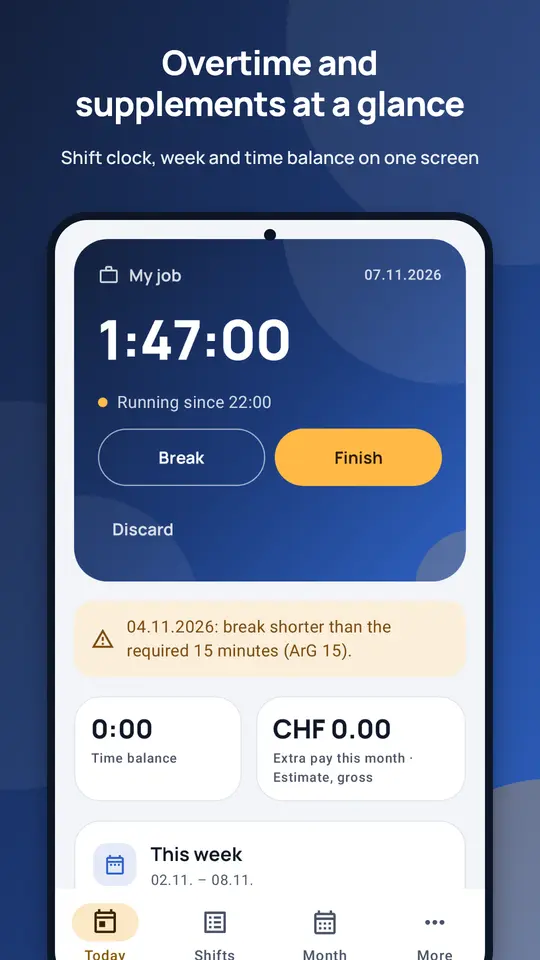
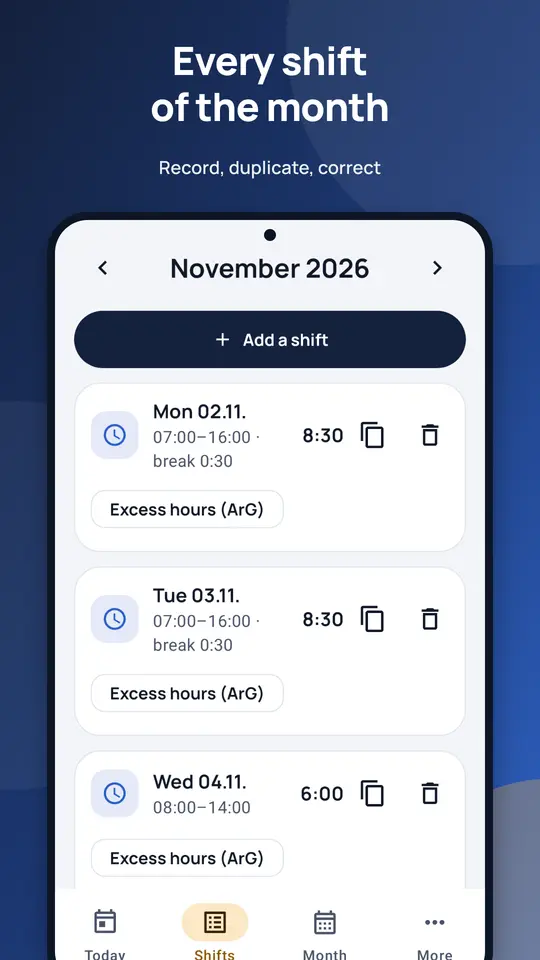
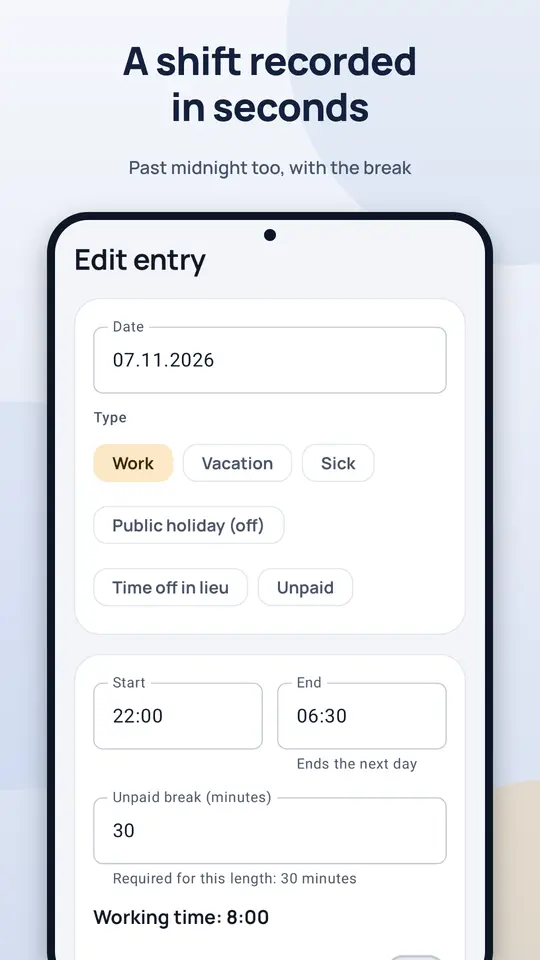
Start the clock when your shift begins, take a break, finish. Or enter start, end and break afterwards. Night shifts that run past midnight are split across both days correctly. Vacation, sickness, public holidays and time off in lieu count toward your weekly target.
Overtime and excess hours, kept apart
Overtime (Überstunden) is the time above your contract up to the legal weekly maximum of 45 or 50 hours; excess hours (Überzeit) are everything above that. The app separates the two every week and applies the statutory defaults: 25% for overtime (OR 321c) and 25% for excess hours (ArG 13), including the 60-hour rule for office staff.
Nights, Sundays, holidays
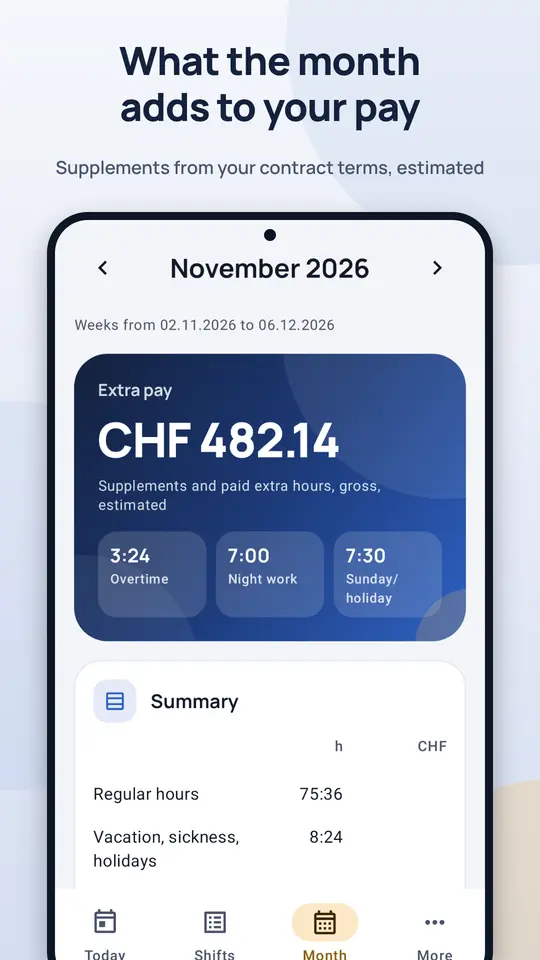
Night is 23:00–06:00: a 25% pay supplement for occasional night work, a 10% time credit for regular night work (ArG 17b). Sunday runs from Saturday 23:00 to Sunday 23:00: 50% (ArG 19). Public holidays count as Sundays, and the list is yours to edit. Supplements are added together, never multiplied.
Warnings, not surprises
A missing break (ArG 15), less than 11 hours of rest between shifts (ArG 15a), or excess hours approaching the yearly limit: the app tells you.
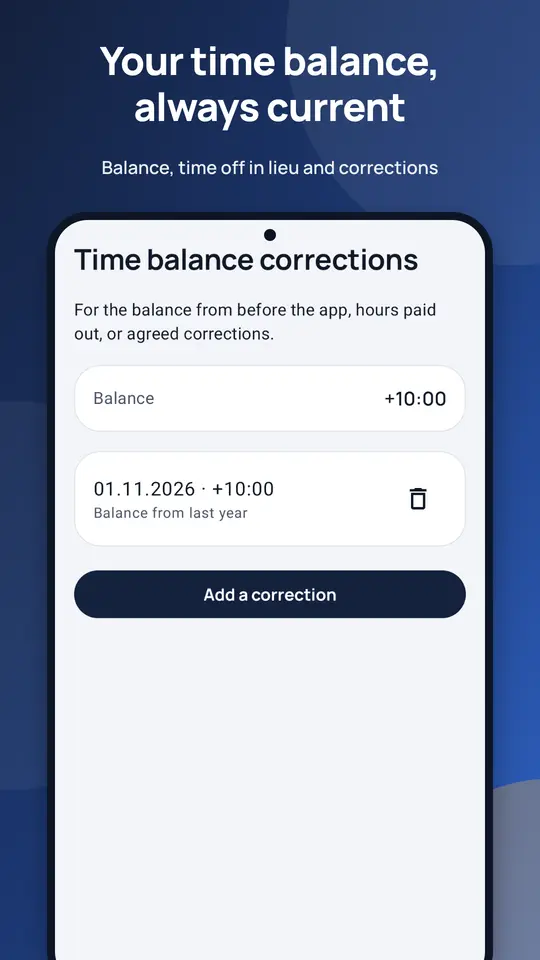
Time balance
Hours taken as time off, night time credits, time off used and your own corrections add up to a balance you can see at any time.
Monthly summary and report
Every month: regular hours, overtime, excess hours, nights, Sundays and holidays, each in hours and francs. With Premium, as a PDF or CSV for your employer.
Your contract comes first
Monthly salary or hourly wage, workload, 13th salary, supplement rates: everything is adjustable, because your contract or collective agreement (GAV) may differ. The app is not legal advice.
Free and Premium
Free
Recording, the clock, every calculation, the warnings, the time balance and backup, for the current month and the two before it.
Premium – one payment
Your whole history, several jobs, the monthly PDF and CSV report, and your own night window and 60-hour rule. A one-time purchase, not a subscription.
Your data stays yours
No account, no sign-in, no ads, no analytics. Everything stays on your phone. Back up to a single file wherever you like and restore it, free.
Notice and official sources
ALVIORA LLC is a private company. This app is not provided by the State Secretariat for Economic Affairs (SECO) or any other authority, and is not affiliated with any authority. It is not legal advice; your employment contract and collective agreement come first.
No. The app uses the default rules of the Swiss Code of Obligations and Labour Act. Your employment contract or collective agreement may set different rules, and every rate can be changed to match it.
Where is my data stored?
On your phone only. There is no account and no server. A report or a backup leaves the device only when you share or save it yourself.
How much does it cost?
Recording shifts, every calculation, the warnings, the time balance and backup are free for the current month and the two before it. A one-time Premium purchase through Google Play adds your whole history, several jobs, the monthly report and custom night and 60-hour rules.
Install Swiss Shift & Overtime Pay
The app is published on Google Play under the Alviora Apps developer account. Installing it is free.
Collect the documents for your Swiss tax return all year, sorted by the headings of the return, and share them as one PDF or ZIP at tax time. Offline, no account.
Work out Swiss notice deadlines for health insurance, leases, jobs, insurance and subscriptions, create the termination letter as PDF and get reminded in time. Offline, no account.
Check whether a lower Swiss reference interest rate entitles you to a rent reduction, and write the letter to your landlord as PDF. Offline, no account.